
A dictionary app,
with
NNavigate
-
1
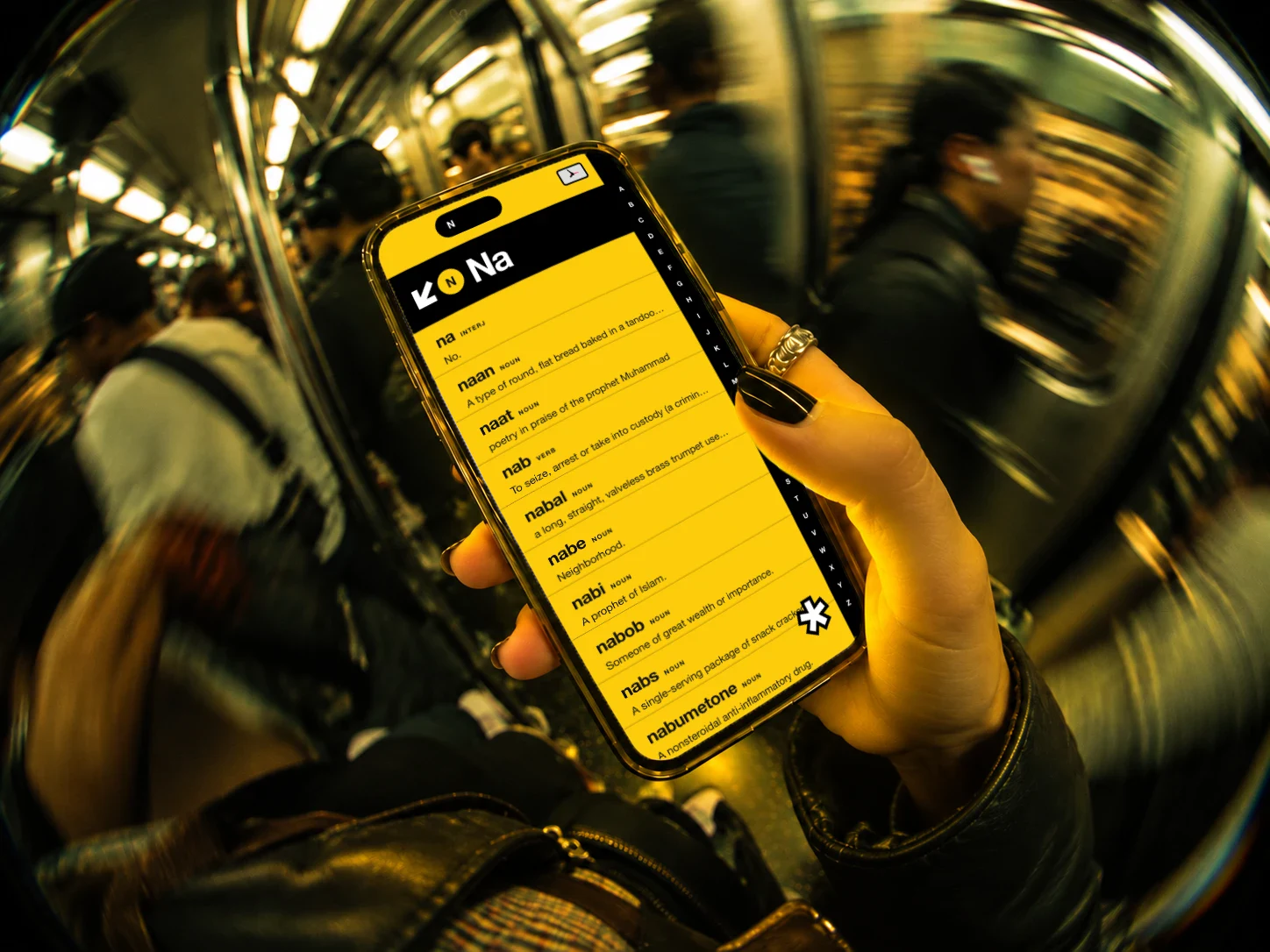
Slide the bar.
Run your thumb along the letters on the edge of the screen to travel through the book.
-
2
Pull to slow down.
Pull your thumb off the bar and the letters open into two-letter stops. Pull further for three.
-
3
Tap a word.
Open it for its meanings and where it came from. Tap again to close it and keep going.
-
4
Tap and get lost.
The asterisk throws you somewhere in the book you'd never have looked. Hold it for settings.
-
5
Look back at your route.
Hold the island at the top of the screen to see the words you've stopped at, and ride back to any of them.
BThe book